
Share a Palette Without an Account
- sharing
- collaboration
- workflow
Send a client or teammate a palette and they can look at every ramp, check contrast, and export it themselves, no Rampancy account, no invite flow, just a link.
What You'll Need
- A Rampancy account (sharing is a signed-in feature; the recipient doesn't need one).
- A palette with at least one ramp.
Step 1: Open Share from the editor
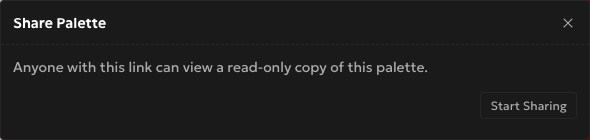
In the palette editor's right sidebar, under Import and Export, there's a Share button. Click it and a modal opens explaining what the link does: anyone who has it can view a read-only copy of the palette. Nothing is shared yet at this point, it's just the setup screen.
Step 2: Turn it on and copy the link
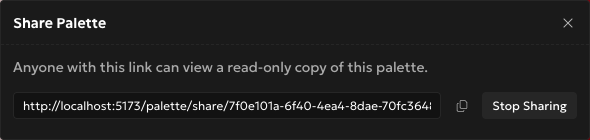
Hit Start Sharing and a URL appears in the modal, something like rampancy.app/palette/share/<token>. Click the field or the copy icon next to it and it's on your clipboard. Send it however you'd send any link, chat, email, a ticket comment. Each palette gets one token; sharing it again just re-shows the same link instead of minting a new one.
Step 3: What the recipient actually sees
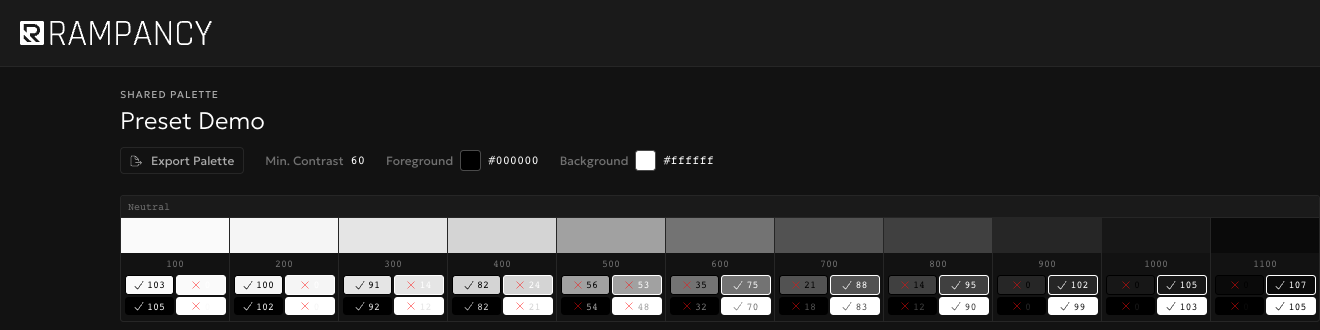
They land on a plain page with the palette name, every ramp as a full swatch strip, and step labels. Underneath each swatch sit four small APCA contrast chips, pass or fail against your palette's foreground and background colors, so a designer checking accessibility doesn't have to ask you for numbers. There's also an Export Palette button on this page, and it works: five formats, though Tailwind only comes as v3 here since the read-only view doesn't carry the v4 option. No sign-in prompt anywhere.
Step 4: Turn it off when you're done
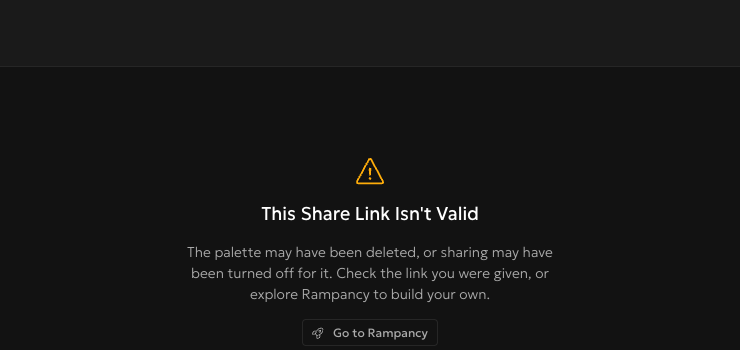
Back in the editor, open Share again and click Stop Sharing. The link dies immediately. Anyone who still has it and tries to load it gets a plain "This Share Link Isn't Valid" page instead of your colors, no error code, no confusing message. I once forgot to revoke a share link from a client demo three months earlier and was mildly relieved to find it still worked exactly as expected when I finally remembered to kill it.
FAQ
Does the person I share with need a Rampancy account?
No. The share link is public by design, anyone with it can view the palette, no login, no signup wall.
Can they edit anything?
No. The shared view is read-only. They can look at every ramp and export from it, but they can't change a curve, rename anything, or push edits back to your palette.
What happens right after I revoke a share?
The link stops resolving straight away. There's no grace period, and generating a new link later gives that palette a fresh token, not the old one back.
Share your next client palette instead of screenshotting it into a Slack message. Or sign up and build the palette first.