
One Click, 22 Ramps: Rampancy's Tailwind Preset
- tailwind
- workflow
- editor
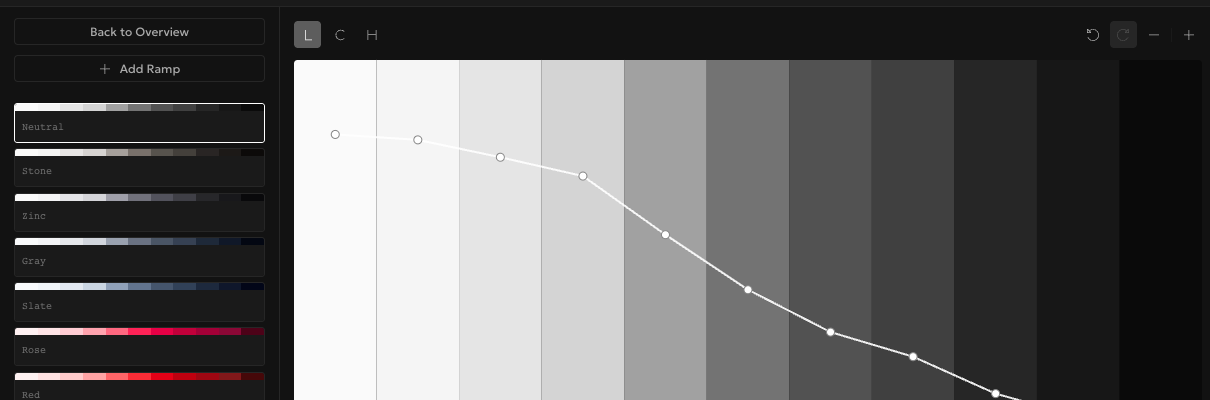
Open a brand new palette in Rampancy and, instead of building a color system from nothing, you can click one button and land on 22 fully built ramps: five neutrals plus every Tailwind hue, from Red through Pink. It's not a locked demo either. Every step is a real curve you can reshape, rename, or delete the moment you land on it.
What You'll Need
- A new, empty palette. No account needed; as a guest, palettes save to your browser
Step 1: Start from nothing
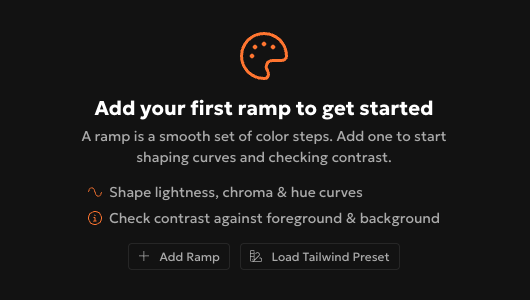
Create a new palette and open it in the editor. With zero ramps, you get an empty state instead of a blank canvas staring back at you: a short explainer on what a ramp is, and two buttons underneath it. "Add Ramp" builds one manually, step by step. The other one is what we're here for.
Step 2: Load the preset
Click "Load Tailwind Preset" and Rampancy fetches Tailwind's full color system, in one request, and drops it straight into your palette: Neutral, Stone, Zinc, Gray, and Slate for your grays, then Rose through Pink for everything else, each with 11 steps from 100 to 1100. I used to rebuild that gray scale from scratch on every single project before this shipped, mostly out of habit, and it was never quite as consistent as this.
Step 3: Treat it as a starting point, not a finish line
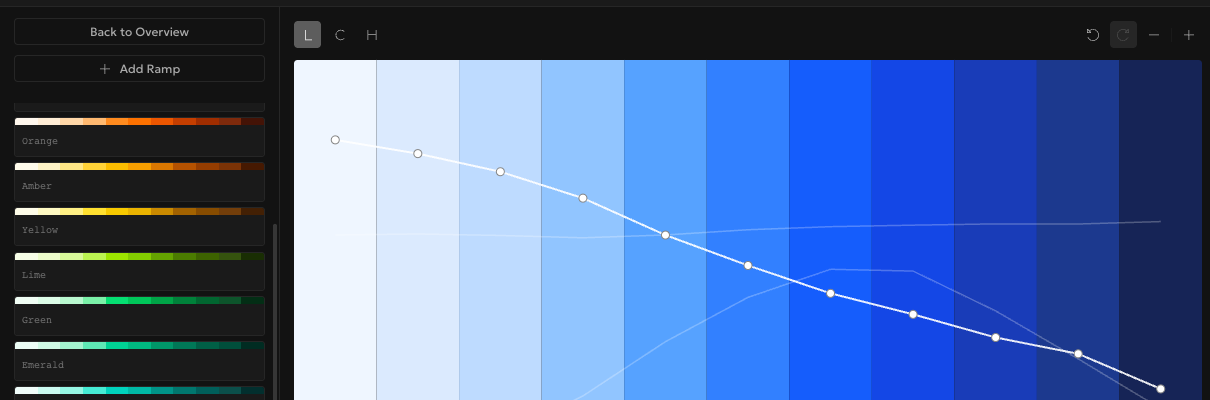
Click into any ramp, Blue for instance, and you're in the same curve editor you'd use on a ramp you built by hand. Drag a point, switch to the Chroma or Hue channel, rename it, duplicate it into a new brand color. Nothing about the preset is special-cased or protected. If the whole thing isn't for you, Undo takes you right back to the empty state.
Step 4: Export it back out as Tailwind CSS
Once you've reshaped a few ramps to fit your brand, open Export and pick Tailwind CSS. You'll get a @theme block with native oklch() variables for Tailwind v4, or a tailwind.config.js under theme.extend.colors if you're still on v3. What came in as a preset goes back out as a config file you can drop straight into your project.

FAQ
Does the preset overwrite ramps I already have?
The button only appears when your palette has zero ramps, so there's nothing to overwrite. Once you've added a ramp of your own, the empty state (and the preset button with it) is gone.
Can I load just a few of the 22 ramps instead of all of them?
Not directly, but nothing stops you from loading the full set and deleting the ones you don't need. It's faster than building even three or four ramps by hand.
Are these the exact Tailwind color values?
Yes. The preset pulls Tailwind's published color values and converts them to OKLCH curves, the color space the Tailwind preset builds in, so what you see matches what Tailwind ships.
The preset button is right there whether you're signed in or not. Go start a palette and see how far one click gets you.